



Description
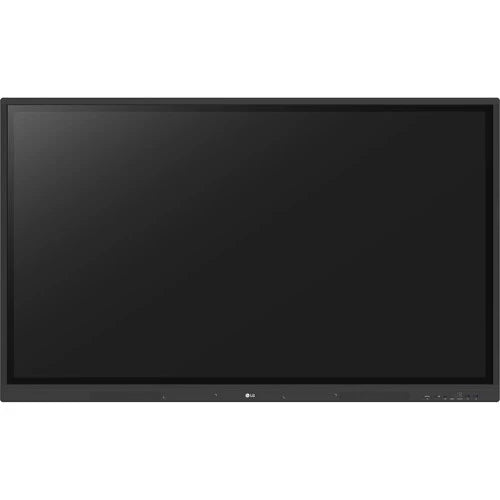
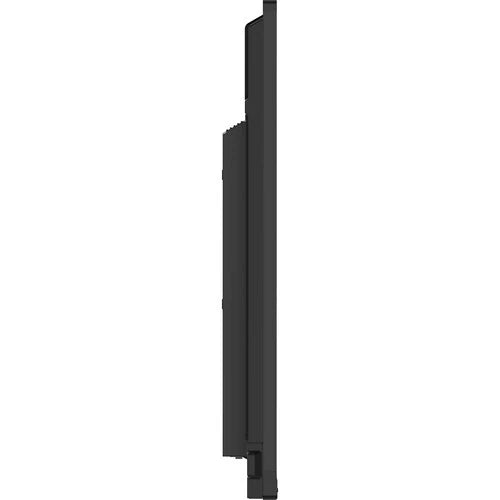
LG 55TR3DK-B CreateBoard Interactive Display
Transforming Classrooms with Advanced Collaboration and Management Tools
Key Specifications
Resolution: 3840 × 2160 UHD (4K)
Brightness: 440 nits
Orientation: Landscape
Operation: 16 hours/day, 7 days/week
Engage Students with Interactive Teaching Tools
Various Teaching Templates
The CreateBoard offers a rich set of educational templates — including rulers, tables, and sticky notes — that foster active student participation and engagement. Its built-in image and video editing tools simplify lesson creation, while QR codes enable quick sharing, supporting both in-class and remote learning.
Multi-Touch for Collaborative Learning
Supports up to 40 simultaneous touch points, delivering a smooth, responsive, and lifelike touch experience. This feature encourages interactive group activities and keeps students focused and involved.
Effortless Content Management
Easy Save/Import/Export: Seamlessly transfer resources to/from Google Drive, OneDrive, or USB storage.
Wireless ScreenShare: Display up to 9 screens simultaneously using the LG CreateBoard Share app, enabling real-time collaboration. Hosts can also send files and control the session with quick commands.
Comprehensive Remote Management with LG ConnectedCare DMS
Cloud-based Device Management: Monitor, control, and manage multiple CreateBoards remotely, boosting IT efficiency.
Broadcast & Alert Messaging: Send emergency alerts or announcements directly to classroom devices, ensuring safety and timely communication.
Threshold Settings & Fault Diagnosis: Set custom alerts for parameters like temperature and memory use; diagnose issues remotely to minimize downtime.
Issue Management: Track and resolve device problems swiftly with real-time status categorization.
Connectivity and Installation Features
Bluetooth Support: Connect peripherals like speakers, keyboards, and mice wirelessly to support hybrid teaching setups.
USB-C Connection: One cable for charging and data transfer simplifies setup.
Front Connectivity Design: Easily accessible ports and speakers enhance usability and audio experience.
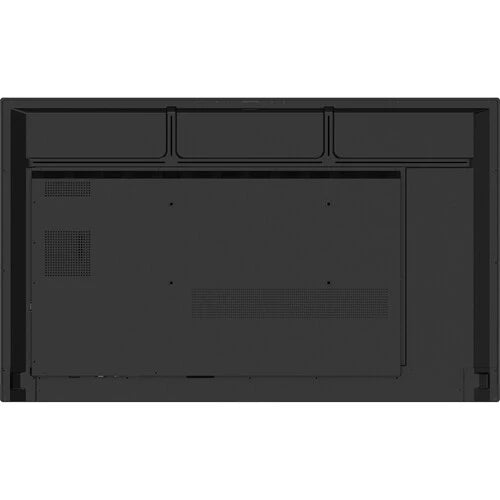
Built-in OPS Slot: Conveniently mount OPS desktops behind the board without extra cabling.
User-Friendly Classroom Experience
QR Login: Quickly sign into cloud services (Google Drive, OneDrive) by scanning a QR code — no cumbersome logins needed.
Smart Viewing: Display multiple content sources simultaneously using multi-window or picture-in-picture modes, increasing teaching efficiency.
Advanced Eye Care: Flicker-free technology reduces eye strain during long sessions.
Screen Lock & Secure Mode: Protect the board from unauthorized access and prevent unwanted content sharing.
USB Lock Mode & Auto-Remove Files: Safeguard data privacy by restricting USB usage and enabling scheduled file deletion.
Energy Efficient Design
CreateBoard enters standby mode when inactive and supports scheduled power on/off, helping conserve energy and reduce operating costs.