
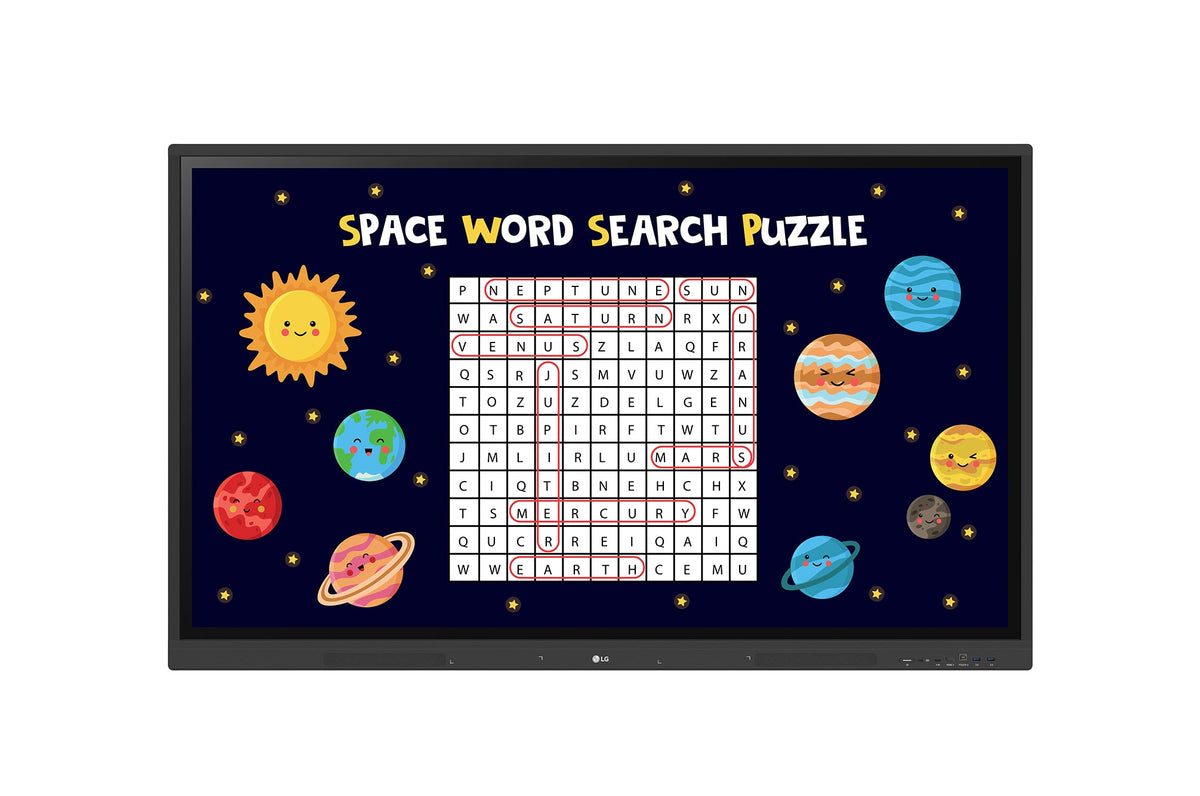


Description
LG 65TR3DK-B CreateBoard: Elevating Classroom Interaction
Stunning Display Quality
Resolution: 3,840 × 2,160 (4K UHD)
Brightness: 440 nits for vivid visuals
Orientation: Landscape mode optimized for presentations and collaboration
Usage Time: Designed for 16/7 operation to support extended classroom use
Interactive Teaching Tools
LG CreateBoard offers a wide range of educational templates, including rulers, tables, and sticky notes, empowering students to actively participate and engage. Its built-in image and video editing tools simplify content creation, while QR code sharing makes collaboration seamless, whether in-person or remote.
Multi-Touch Capability
Experience a natural, responsive touch interface that supports up to 40 simultaneous touch points. This encourages group activities and fosters greater student interaction and focus during lessons.
Easy Content Management
Save & Import: Quickly save, import, or export resources using Google Drive, OneDrive, or USB drives.
Seamless Sharing: Effortlessly exchange learning materials and collaborate with colleagues.
Wireless Screen Sharing
Display up to 9 shared screens or files in real-time via the LG CreateBoard Share app. Hosts can send files and control sessions for smooth collaboration during lessons and meetings.
LG ConnectedCare DMS: Remote Device Management
Cloud-Based Monitoring: IT teams can remotely monitor, control, and manage CreateBoard devices without physical visits, saving time and boosting efficiency.
Scheduling & Remote Control: Easily manage power, brightness, screen lock, and more using remote controls and automated scheduling.
Broadcasting and Alert Messaging
Send important messages or emergency alerts directly to classroom devices, helping ensure safety and quick communication during critical situations.
Threshold Settings & Fault Diagnosis
Set custom alerts for conditions like display temperature and memory usage. Real-time monitoring and fault diagnosis help prevent disruptions by enabling prompt troubleshooting.
Robust Issue Management
Remotely manage and resolve device issues efficiently, minimizing downtime and ensuring a smooth classroom experience.
Connectivity Features
Bluetooth: Connect wirelessly to speakers, keyboards, mice, and more for versatile classroom setups.
USB-C Port: Simplify connections with one cable that handles both charging and data transfer.
Secure and User-Friendly Login
Quickly access cloud services like Google Drive and OneDrive using QR code login. This feature streamlines user authentication and protects personal information by enabling easy logout after use.
Advanced Eye-Care Technology
The flicker-free backlight reduces eye strain, allowing comfortable use for long teaching sessions.
Front Connectivity and Audio
Front-facing ports and built-in speakers enhance accessibility and deliver clear, immersive sound for a richer classroom experience.
Built-in OPS Slot
Supports convenient installation of OPS desktops directly on the board, reducing clutter and expanding device capabilities.
Smart Viewing Modes
Display multiple materials simultaneously using multi-window or picture-in-picture modes, making lesson delivery more dynamic and efficient.
Energy Efficiency
Automatically enters standby mode when idle and supports scheduled power on/off, helping reduce energy consumption.
Security Features
Screen Lock: Password-protect the board to prevent unauthorized access.
Secure Mode: Disable content sharing to protect sensitive information.
USB Lock Mode: Restrict data copying to safeguard classroom materials.
Auto-remove Files: Schedule automatic file deletion to maintain security and privacy.