
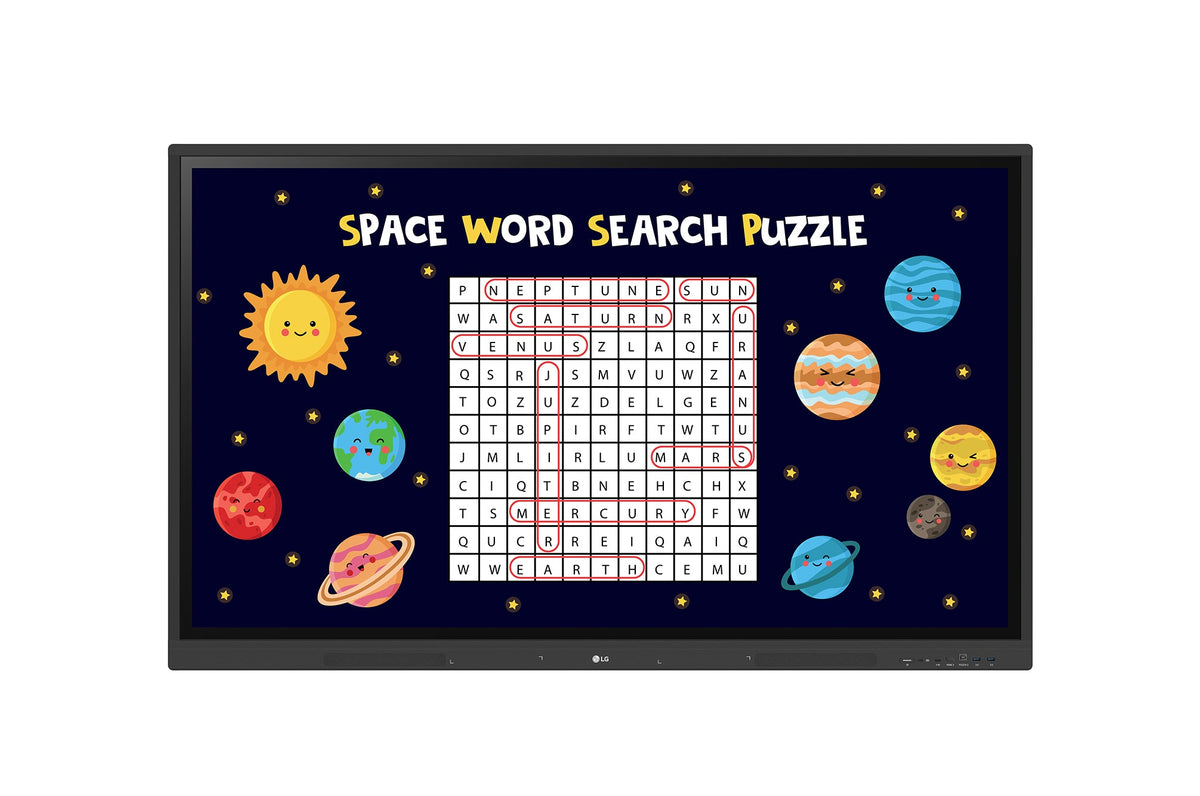




Description
LG 75TR3DK-B CreateBoard
Interactive 75" UHD Display for Smart, Secure, and Engaging Classrooms
Key Display Features
Resolution: 3840 × 2160 (4K UHD)
Brightness: 440 nits
Orientation: Landscape
Operation Time: 16 hours/day, 7 days/week
Engaging and Interactive Learning
Built-in Teaching Templates
Includes educational tools like rulers, tables, sticky notes, and multimedia editing features. Teachers can create and share lessons easily, with support for QR code sharing—ideal for both in-person and remote learning.
40-Point Multi-Touch
Supports up to 40 simultaneous touch points, allowing multiple students to interact at once with a natural, responsive touch interface that promotes group collaboration.
Easy Content Access and Sharing
Import / Export to the Cloud
Save and retrieve files directly from Google Drive, OneDrive, or USB devices. Resource sharing is seamless and efficient.
Wireless ScreenShare
Using the LG CreateBoard Share app, users can wirelessly share content from up to 9 devices in real time. The host can send files and use quick control functions during class or presentations.
Remote Management with LG ConnectedCare DMS
Centralized Device Management
IT teams can monitor, control, and update CreateBoards across campuses without on-site visits. This reduces downtime and improves operational efficiency.
Broadcast & Alerts
Send announcements or emergency alerts (e.g., fire, lockdowns) instantly to all classroom displays via the cloud-based system.
Threshold Alerts
Custom alerts based on temperature, memory, signal, and more ensure early detection of issues, preventing disruptions.
Real-Time Monitoring & Diagnosis
Detect and categorize device issues remotely for fast resolution and minimized classroom interruption.
Classroom-Friendly Connectivity
Bluetooth Device Support
Easily pair peripherals like speakers, keyboards, and mice to support hybrid or digital classrooms.
USB-C Port
One cable supports power delivery and data transfer for simpler and faster connections.
OPS Slot Integration
Built-in OPS slot enables easy attachment of OPS PCs without external wiring, expanding functionality.
User Convenience and Security
QR Code Login
Teachers and students can access cloud services (Google Drive, OneDrive) instantly by scanning a QR code—no manual login needed. Easy logout ensures privacy protection.
Smart Viewing
Display two content windows side-by-side (multi-window) or in a picture-in-picture format for better content delivery without constant switching.
Screen Lock & Secure Mode
Prevent unauthorized access or screen sharing with password-protected lock screen and the option to disable CreateBoard Share.
USB Lock & Auto File Deletion
Protect sensitive data by restricting USB access and scheduling automatic deletion of stored files.
Eye Comfort & Audio
Advanced Eye-Care
Flicker-free backlighting reduces eye strain for long sessions.
Front-Facing Speakers & Ports
Built-in speakers and easily accessible ports enhance user experience and audio clarity in class.
Power Management
Power Saving & Scheduling
Automatically enter standby mode when inactive, and schedule power on/off to reduce energy use and operating costs.