



Description
24-Months Guarantee! Quality You Can Trust.
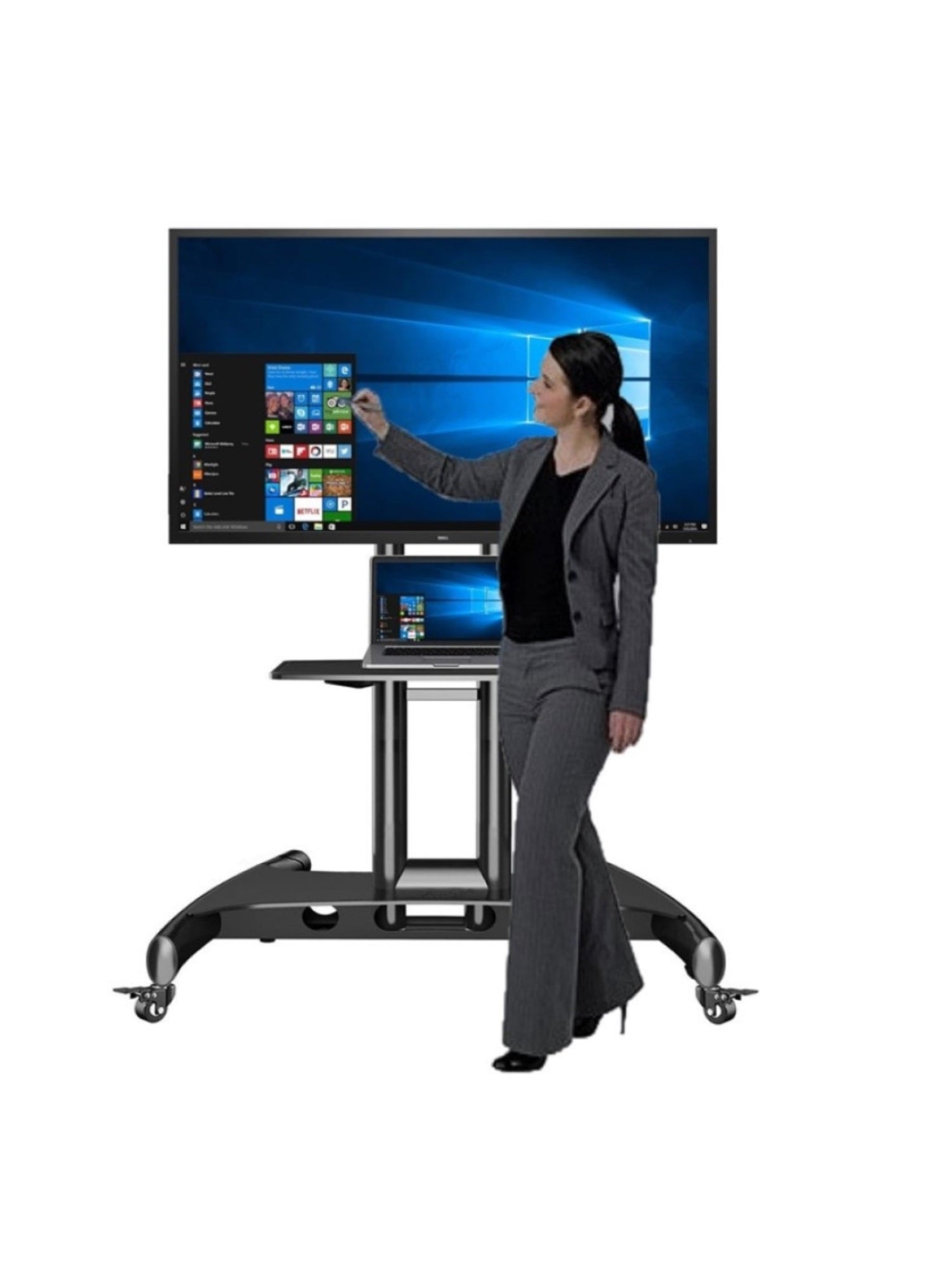
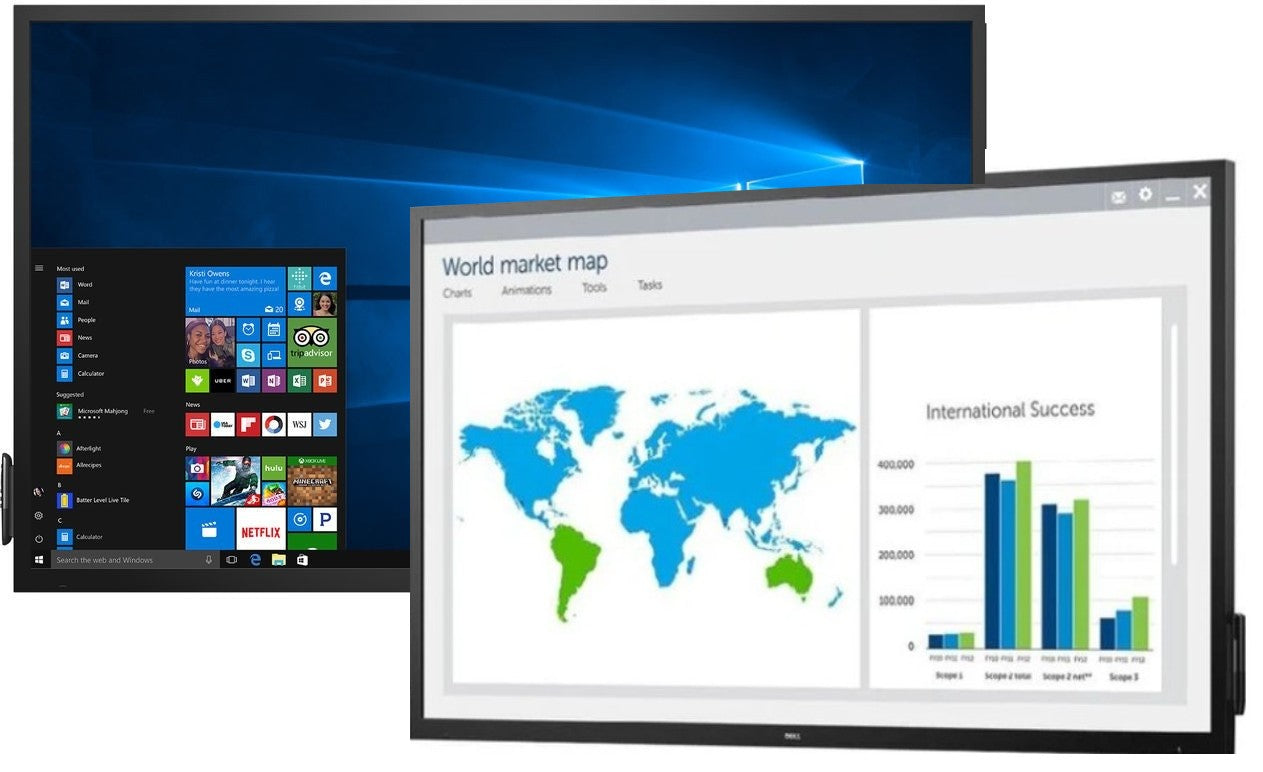
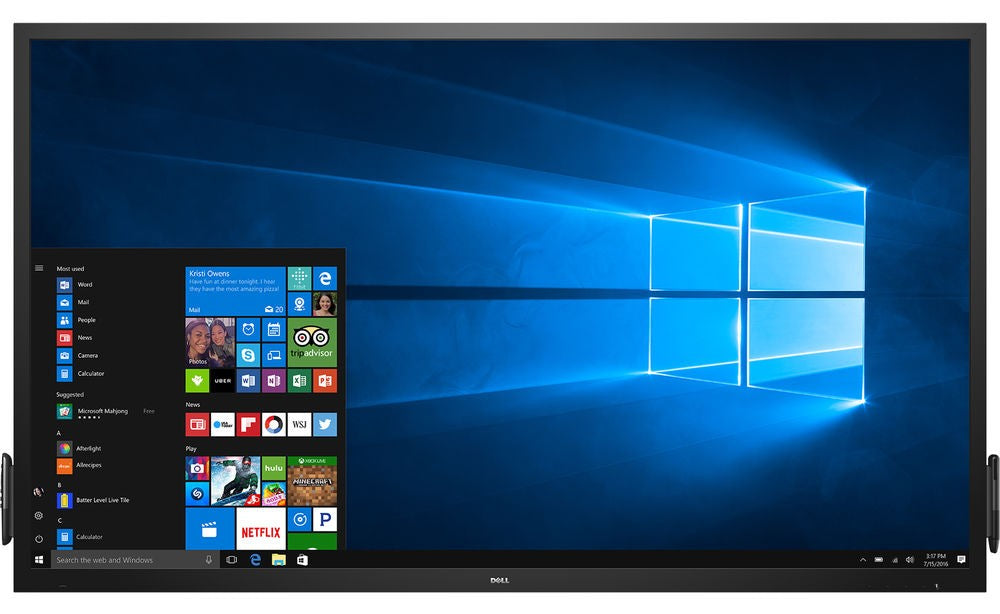
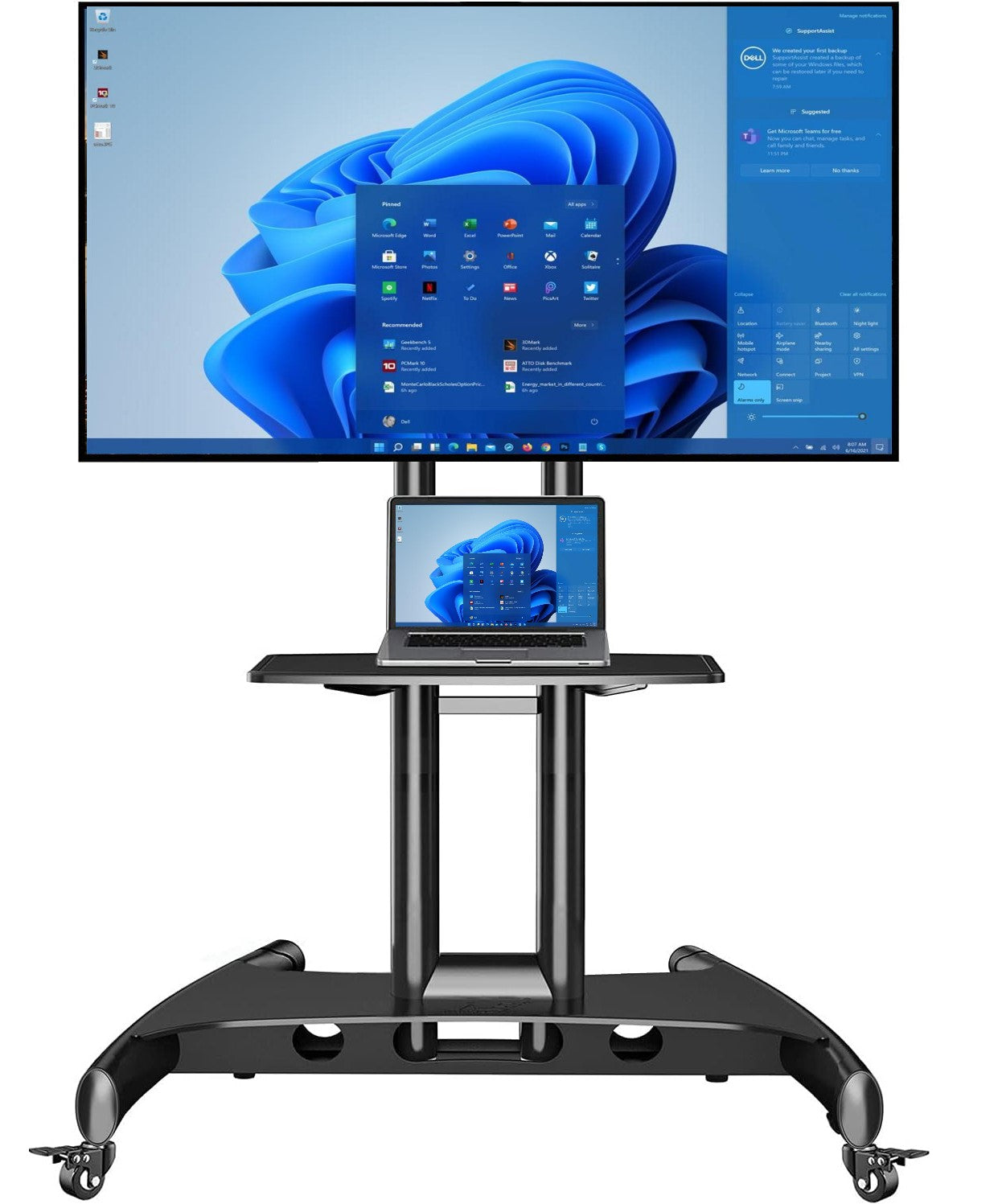
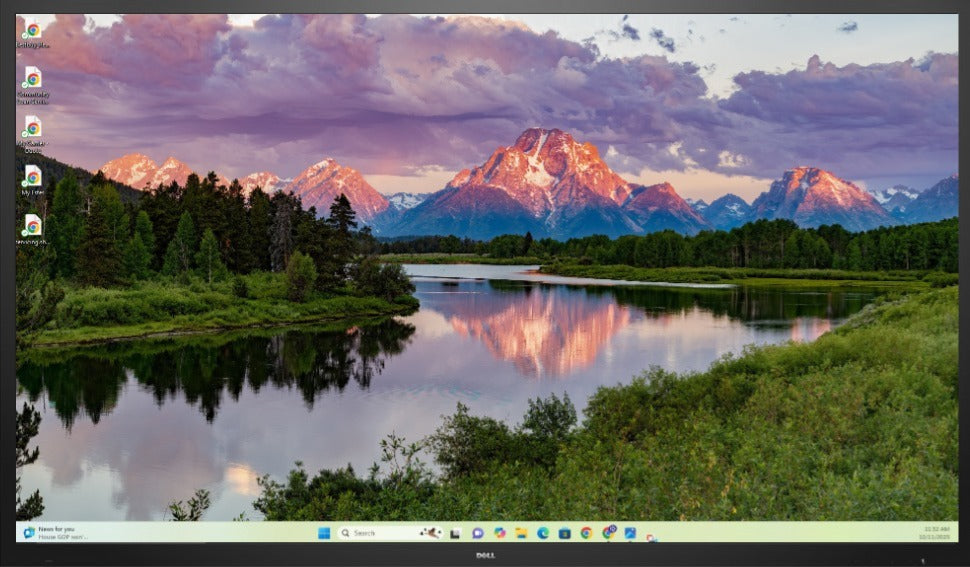
The Dell C7017T features an innovative touchscreen technology that allows users to engage with content effortlessly. Whether you're sketching ideas, annotating documents, or navigating through applications, the responsive and accurate touch capabilities of this monitor will ensure a seamless interaction. Equipped with a 1920x1080 resolution, the C7017T delivers stunning visuals with exceptional clarity and detail. From vibrant colors to sharp texts, every image comes to life on this display, providing an immersive and engaging visual experience for all users. Designed to enhance collaboration, the C7017T comes with multiple connectivity options, including HDMI, DisplayPort, and VGA, allowing you to connect various devices simultaneously. With its Picture-by-Picture (PBP) feature, you can view content from different sources side by side, making it easier to compare and analyze data. The Dell C7017T also comes with a built-in soundbar, delivering crisp and clear audio that complements the visuals. Whether you're hosting a conference call or watching a video, the integrated speakers ensure an immersive audio experience.
In addition to its advanced features, the C7017T is also designed with user comfort in mind. With its adjustable stand, you can easily position the monitor to find the perfect viewing angle. The anti-glare coating reduces reflections and minimizes eye strain, enabling you to work for longer periods without discomfort. Experience the future of collaboration and productivity with the Dell C7017T interactive monitor. Its impressive display, intuitive touch capabilities, and versatile connectivity options make it an ideal choice for any professional environment. Upgrade your workspace and unlock new levels of creativity with the Dell C7017T.
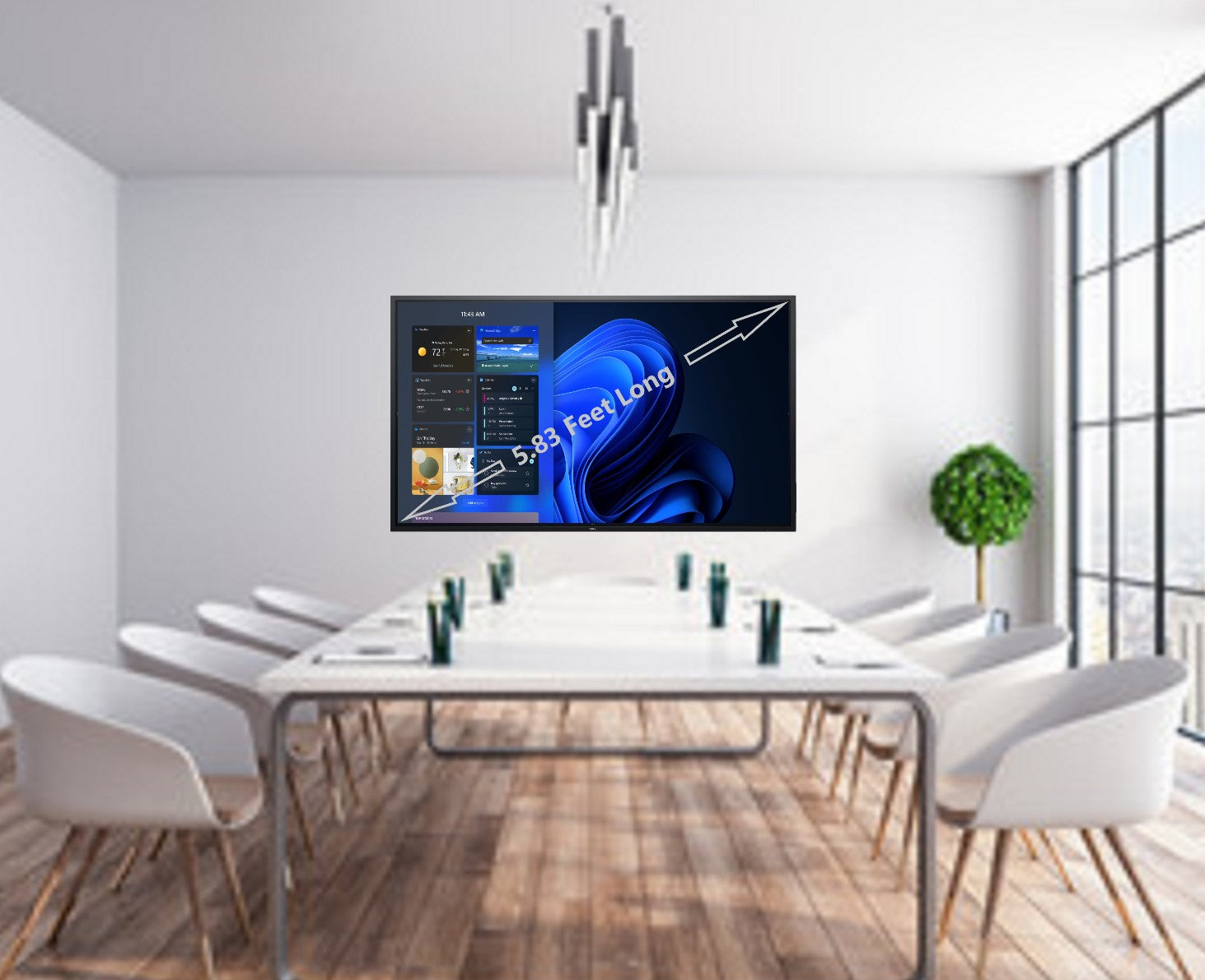
In the box: - 70" (5.83 feet viewing angle) Dell interactive display monitor - Mini PC_Win 11- Wireless Keyboard and mouse - Wall mount or Mobile Stand - Power cable - 2 Interactive pens - HDMI cable - USB cable - User guide